
Loading Property
Touch To Check In
Scan to pay from your phone.
Use your own phone and banking app. This kiosk does not collect payment details.
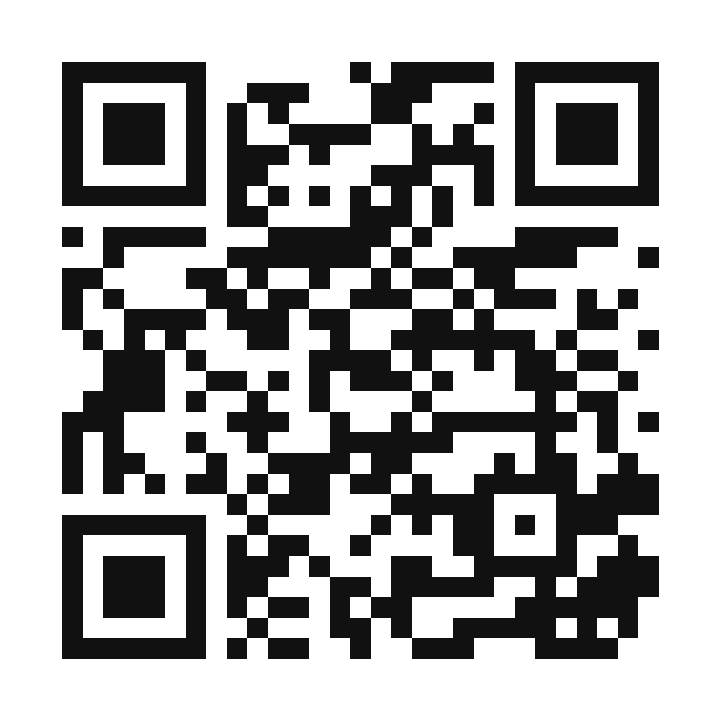
bodyspasalons.com/zelle-pay
- Scan this code with your phone camera.
- Fill out the short payment matching form.
- The page will show the correct Zelle recipient or Buildium login.
Keep your Zelle confirmation screen until Body Spa confirms the deposit was matched.
This screen returns to check-in automatically.
Scan to request an appointment.
Use your own phone to open the Body Spa website request form.
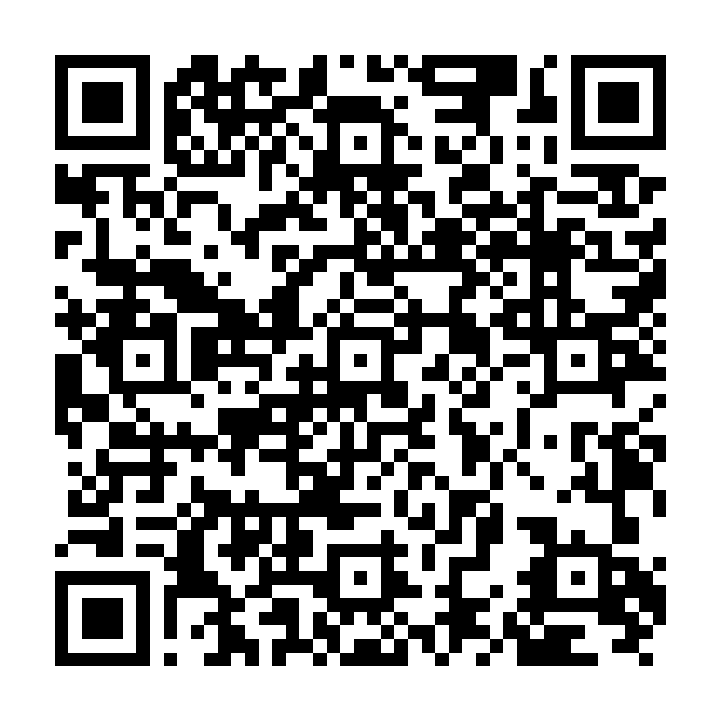
bodyspasalons.com/contact-us
- Scan this code with your phone camera.
- Fill out the service request form on your phone.
- A Body Spa team member will route the request from the website.
This kiosk does not need a keyboard for appointment requests.
This screen returns to check-in automatically.
Who are you here to see?
This contact list is loading.
We could not notify your professional. Please try contacting them directly.
What service do you want?
Choose to request a service at a Body Spa Salons location.
Tell us what works for you
Loading selected service.
Review your request
Confirm the service, timing, and who should receive your service request.
Please have a seat and relax.
Your stylist has been notified. Please wait in the waiting area for them to see you.
Returning to the welcome screen in 8 seconds.